_HighPerformer_HighPerformer%201.webp)

_MomentumLeader_Leader%202.webp)
SOC 2 Attested • GDPR • EU Data Residency • Free for 5
CORE CAPABILITIES

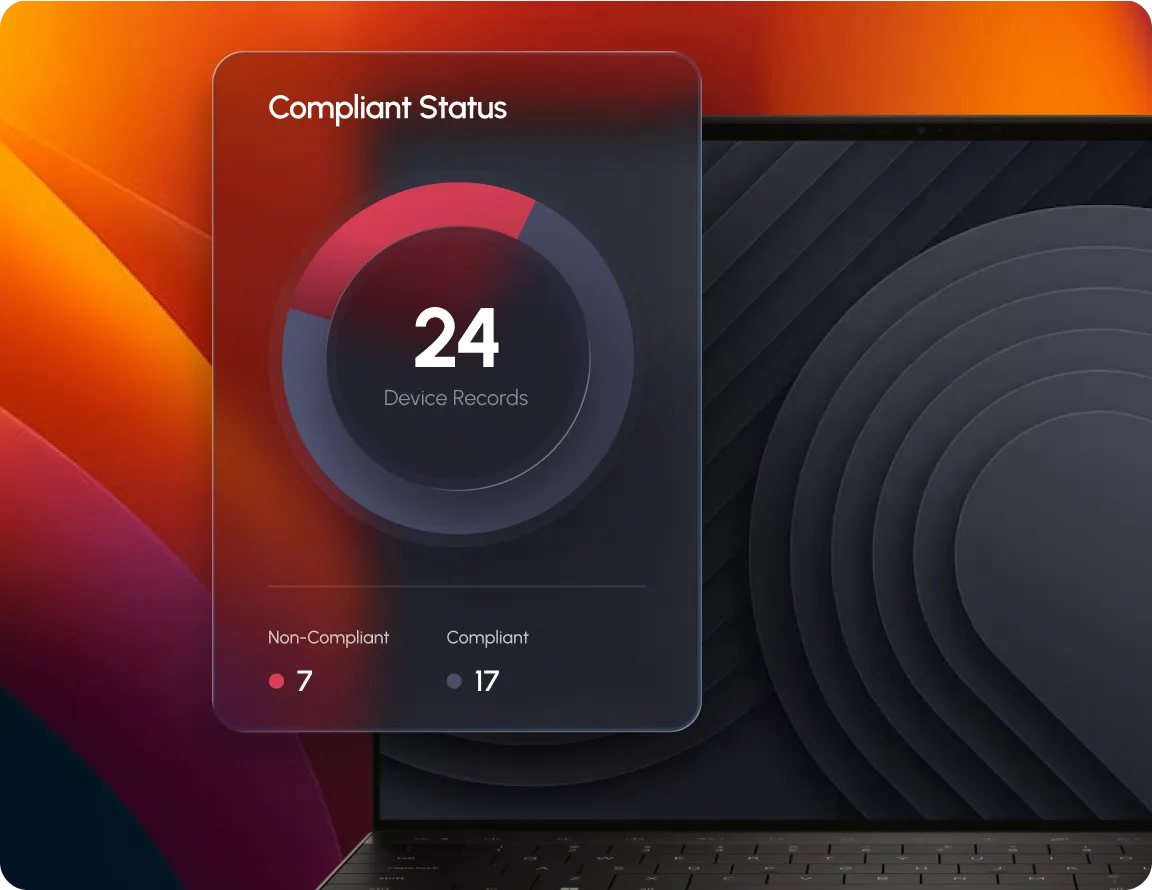
See which devices are compliant and which aren't, instantly.

Patching, encryption & password checks tracked across the fleet.

Baseline policies and your own custom rules, one dashboard.

Compliance broken out separately for macOS, Windows & Linux.
OUTCOMES
Compliant devices visible the moment you open the dashboard.
See exactly which controls are failing, not just the average.
Default and custom controls tracked together, no separate tools.
BUILT FOR REAL TEAMS




SECURITY, PRIVACY & TRUST

Manage devices & policy, full audit trail included.

Traffic encrypted in transit & at rest, BYOD data separated.
SOC 2, ISO 27001 & HIPAA, dashboards with exportable evidence.
.webp)
“Swif.ai has effectively solved our software deployment and unified device management challenges. Their customer support is equally impressive — issues are resolved quickly and efficiently.”

Hanson Han
Head of Platform Engineering at OpusClip
FAQ
Compliance Dashboard is Swif's real time view of your fleet's compliance status. It shows which devices are compliant, which controls are missing and where to focus next, broken down by macOS, Windows and Linux.
Controls are the individual security requirements Swif tracks, like full disk encryption, anti-malware, OS patching and password policy. Each one shows its own compliance percentage across your fleet.
Yes. Custom controls you define sit next to Swif's system default controls in the same dashboard and count toward your compliance data.
Yes. Compliance data can be exported as PDF or CSV, filtered by employee, OS or compliance status, for audit documentation.
Real time visibility into every device and every control, across your whole fleet.






.png)