_HighPerformer_HighPerformer%201.webp)

_MomentumLeader_Leader%202.webp)


SOC 2 Attested • GDPR • EU Data Residency • Free for 5
CORE CAPABILITIES

Devices or users join or leave automatically as conditions change.

Policies, apps & commands apply the moment a device qualifies.

Combine AND / OR conditions, nested one level deep.
OUTCOMES
New devices or users land in the right group automatically.
Membership updates the moment a device or user qualifies.
Define criteria once, every matching device stays covered.
BUILT FOR REAL TEAMS




SECURITY, PRIVACY & TRUST

Manage devices & policy, full audit trail included.
Traffic encrypted in transit & at rest, BYOD data separated.

SOC 2, ISO 27001 & HIPAA, dashboards with exportable evidence.
.webp)
“Swif.ai has effectively solved our software deployment and unified device management challenges. Their customer support is equally impressive — issues are resolved quickly and efficiently.”

Hanson Han
Head of Platform Engineering at OpusClip
FAQ
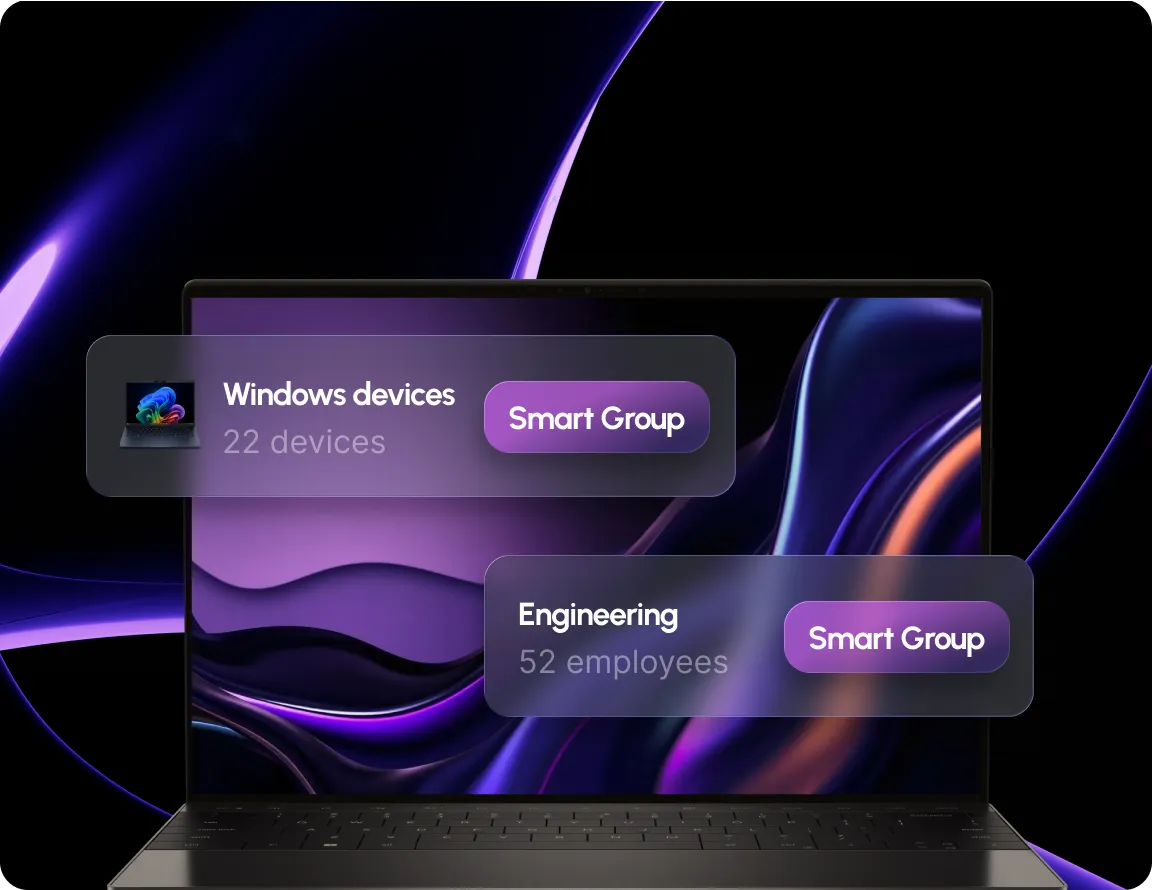
Smart Group is Swif's rule based way of organizing devices and employees. Instead of adding members one by one, you define conditions like OS, ownership type or installed software, and Swif keeps membership current automatically.
Device groups can filter on things like OS type and version, device ownership, installed software, enrollment status and last check-in. User groups filter on employee attributes using AND/OR rule logic.
They're removed from the group automatically. Nothing has to be manually cleaned up.
Define the rule once, Swif keeps every device and user group current.






.png)