Overview
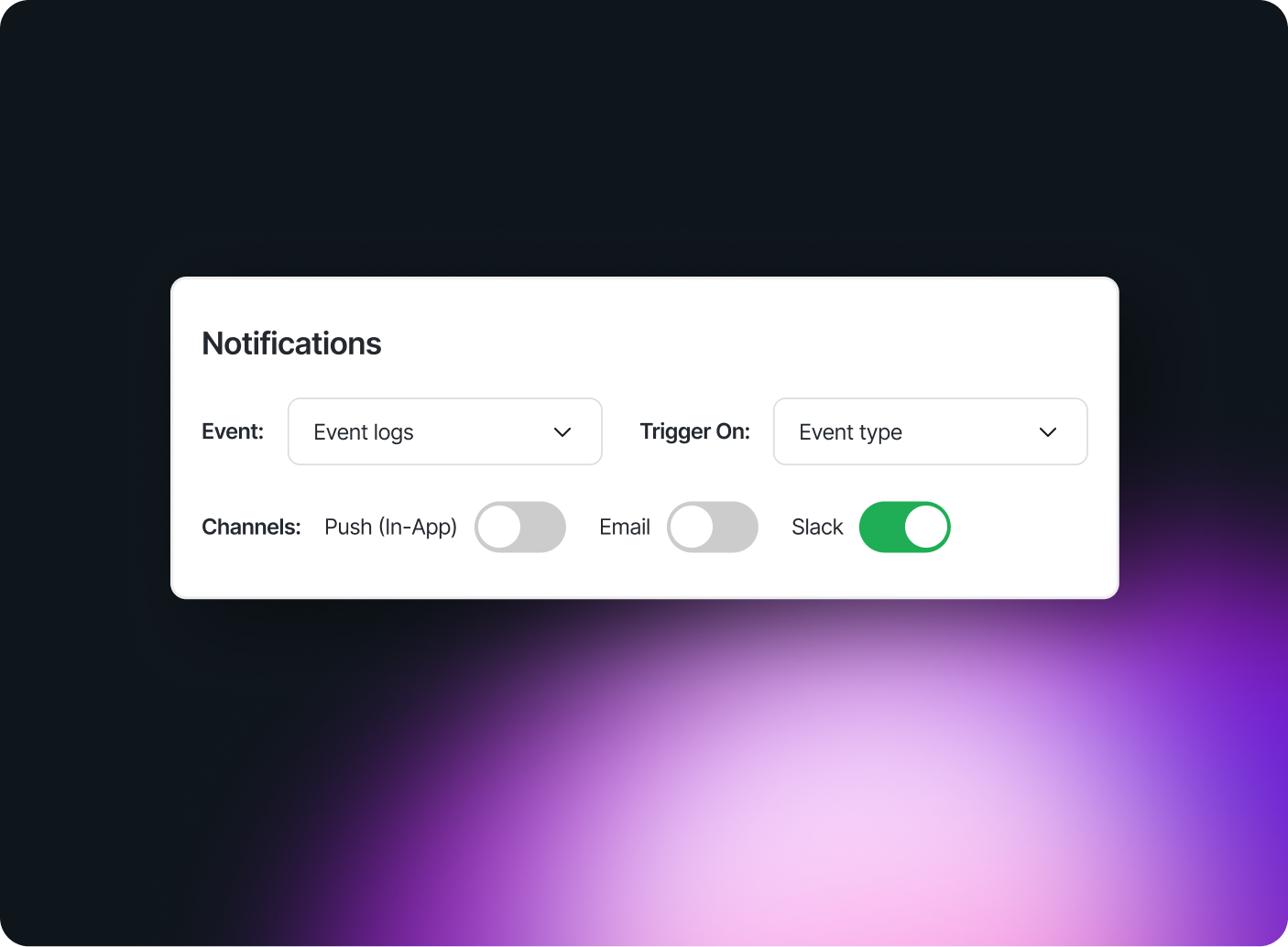
Slack Connect helps your team stay informed by sending real time notifications to approved Slack channels when employees request devices or apps. This integration reduces manual follow ups and keeps IT, security, and procurement teams aligned with less effort. Swif.ai supports MDM Software that helps these requests stay tied to device status.
Why connect Slack Connect to Swif.ai

Post alerts in Slack
Automatically notify IT or security teams when employees request device access or submit app assessments. MDM Software helps teams review requests with device context.

Track requests in real-time
Surface hardware and software requests directly in approved Slack channels for faster reviews. Swif.ai supports MDM Software for Windows, Mac, Linux, iOS and Android.

Keep teams aligned
Streamline decision-making by keeping stakeholders informed without switching tools.
Overview
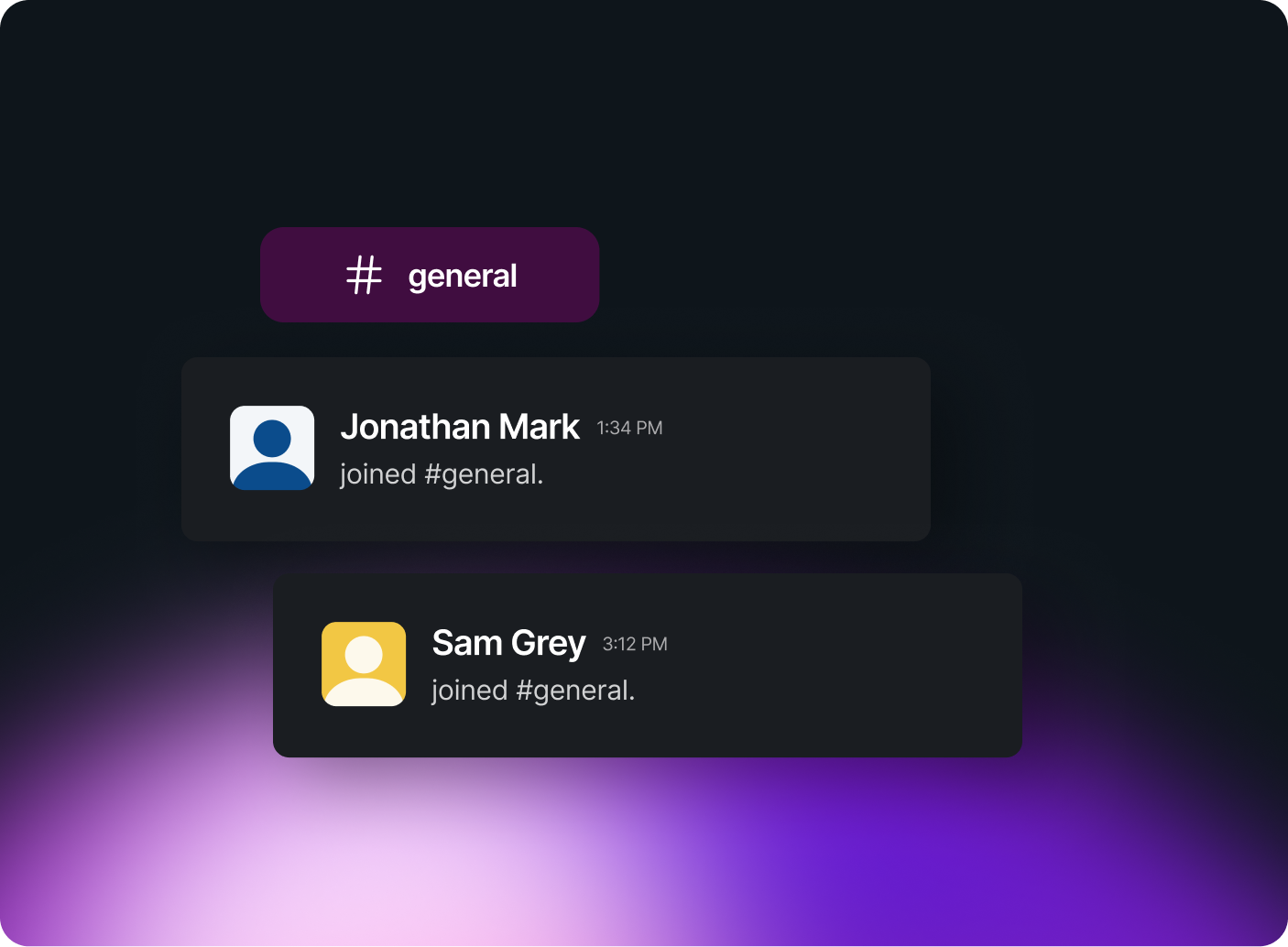
Swif’s integration with Slack Access helps your team automate account provisioning, suspend access during offboarding, and manage Slack user groups with ease. Stay ahead of security risks and keep your Slack workspace compliant — no manual work required.
Why connect Slack Access to Swif

Auto-provision new accounts
Automatically create Slack accounts for new employees during onboarding. No manual setup needed.

Instantly revoke access
Suspend accounts and restrict access when an employee is offboarded. This reduces risk and enforces IT compliance.

Manage user groups
Add users to the right channels and roles based on their department or function.








.png)


