_HighPerformer_HighPerformer%201.webp)

_MomentumLeader_Leader%202.webp)


SOC 2 Attested • GDPR • EU Data Residency • Free for 5
CORE CAPABILITIES

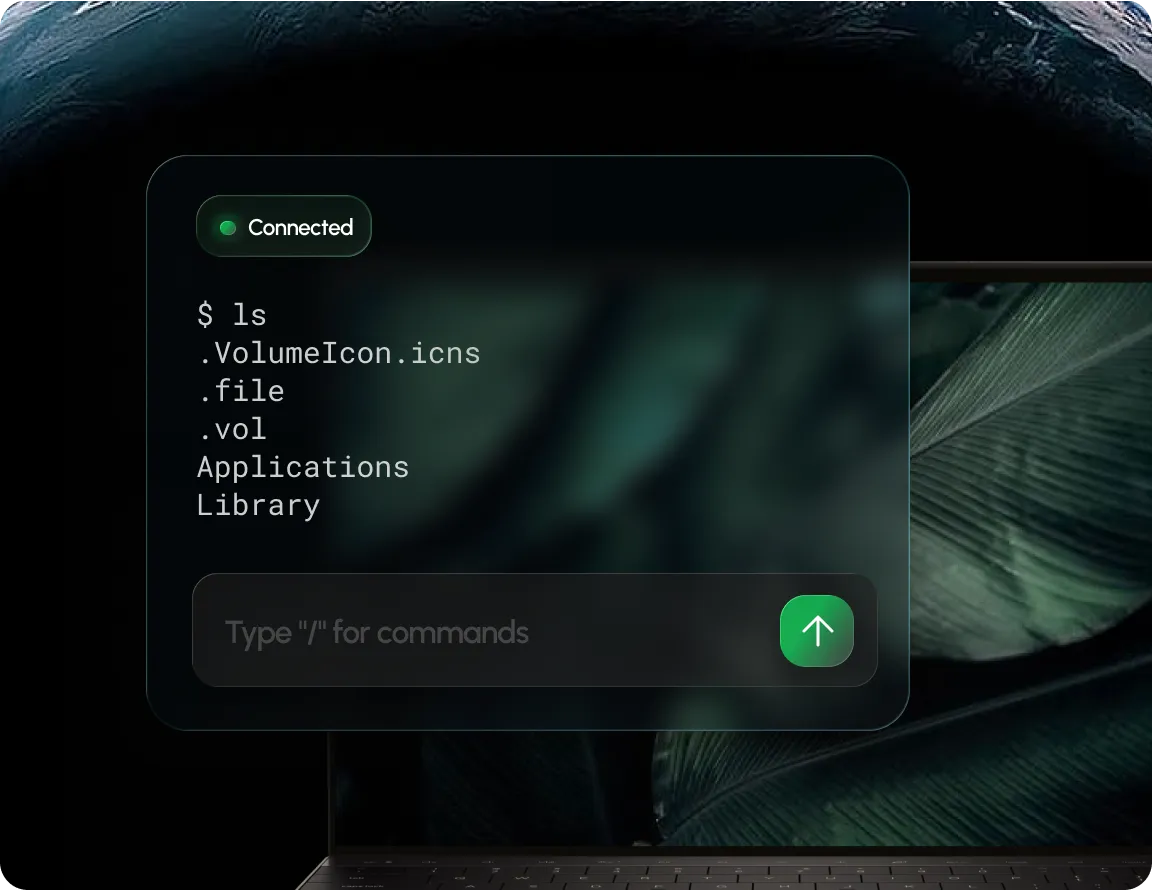
A full remote shell opens right in your browser.

PowerShell on Windows, Bash or Zsh on macOS & Linux.

Start a live terminal session on any managed device instantly.

Multiple teammates in the same terminal session, live.
OUTCOMES
Open a remote shell on any managed device in seconds.
Fewer on-site visits, issues resolved from wherever you are.
Access limited to admins, sessions close when left idle.
BUILT FOR REAL TEAMS




SECURITY, PRIVACY & TRUST

Manage devices & policy, full audit trail included.

Traffic encrypted in transit & at rest, BYOD data separated.

SOC 2, ISO 27001 & HIPAA, dashboards with exportable evidence.
.webp)
“Swif.ai has effectively solved our software deployment and unified device management challenges. Their customer support is equally impressive — issues are resolved quickly and efficiently.”

Hanson Han
Head of Platform Engineering at OpusClip
FAQ
Live Terminal is a remote shell Swif opens directly in your browser, so admins can run commands and troubleshoot a managed device without an extra app or an on-site visit.
PowerShell on Windows, and Bash or Zsh on macOS and Linux, depending on the device.
Any admin with access to the Swif portal can open Live Terminal on a device, as long as the Swif Agent is installed and connected.
Sessions close automatically after sitting idle too long, so an open shell doesn't stay connected longer than it needs
Open a remote shell, troubleshoot with your team, close the ticket faster.






.png)