_HighPerformer_HighPerformer%201.webp)

_MomentumLeader_Leader%202.webp)


SOC 2 Attested • GDPR • EU Data Residency • Free for 5
CORE CAPABILITIES

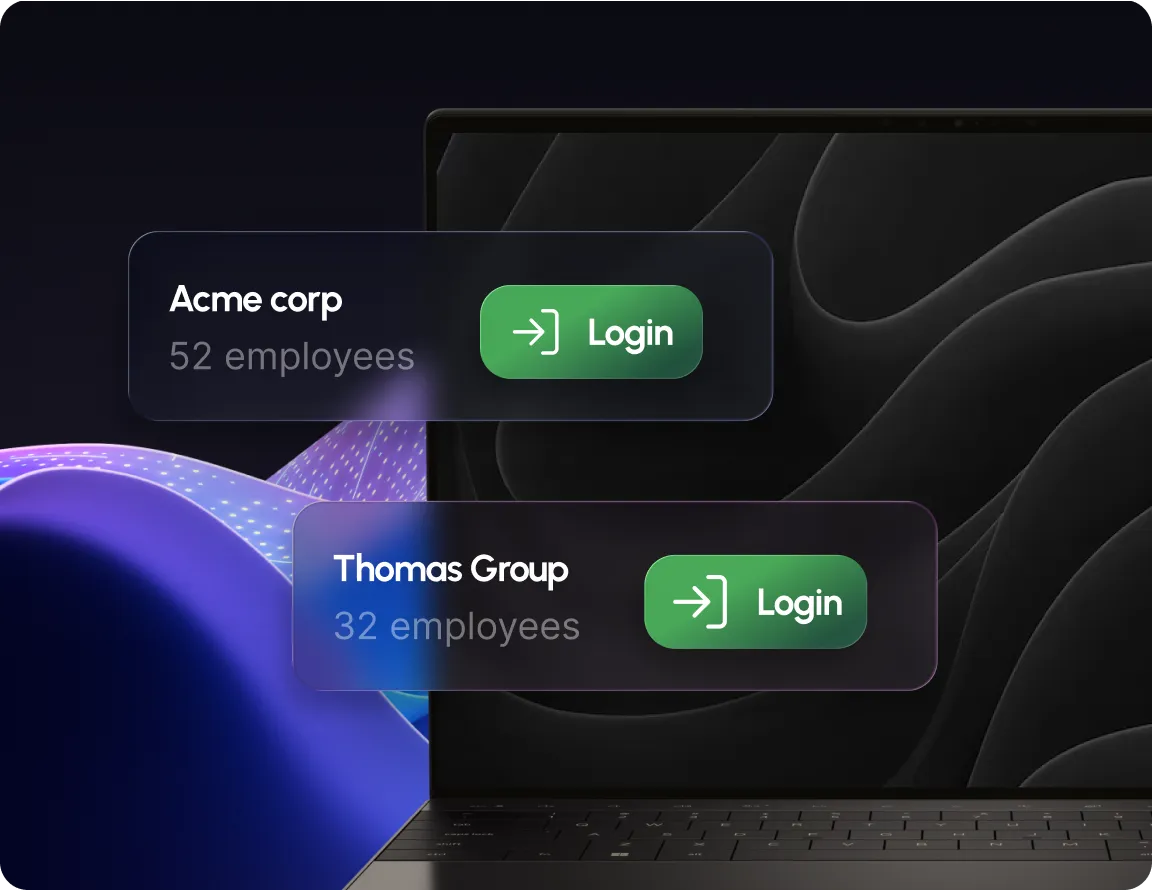
See every linked client organization from one login.

Add a client with just their org name & admin email.

Jump into any client account as their admin instantly.

A 6 digit code confirms the client admin before linking.
OUTCOMES
Every client organization accessible from a single portal.
New clients onboarded with just a name, email & code.
Move between client accounts without separate logins.
BUILT FOR REAL TEAMS




SECURITY, PRIVACY & TRUST
Manage devices & policy, full audit trail included.

Traffic encrypted in transit & at rest, BYOD data separated.

SOC 2, ISO 27001 & HIPAA, dashboards with exportable evidence.
.webp)
“Swif.ai has effectively solved our software deployment and unified device management challenges. Their customer support is equally impressive — issues are resolved quickly and efficiently.”

Hanson Han
Head of Platform Engineering at OpusClip
FAQ
MSP Portal is where a managed service provider links and accesses every client organization it manages from a single login, instead of signing into each one separately.
Go to Settings, MSP Portal, and select Link Organization. Enter the client's organization name and their admin's email, and a 6 digit verification code is sent to that admin to confirm the connection.
Once an organization is linked, click Login as user next to it to jump into that client's account as their admin.
Yes. The client's admin has to enter the 6 digit code sent to their inbox before the organizations are linked.
Link client organizations once, manage all of them from a single login.






.png)