_HighPerformer_HighPerformer%201.webp)

_MomentumLeader_Leader%202.webp)


SOC 2 Attested • GDPR • EU Data Residency • Free for 5
CORE CAPABILITIES

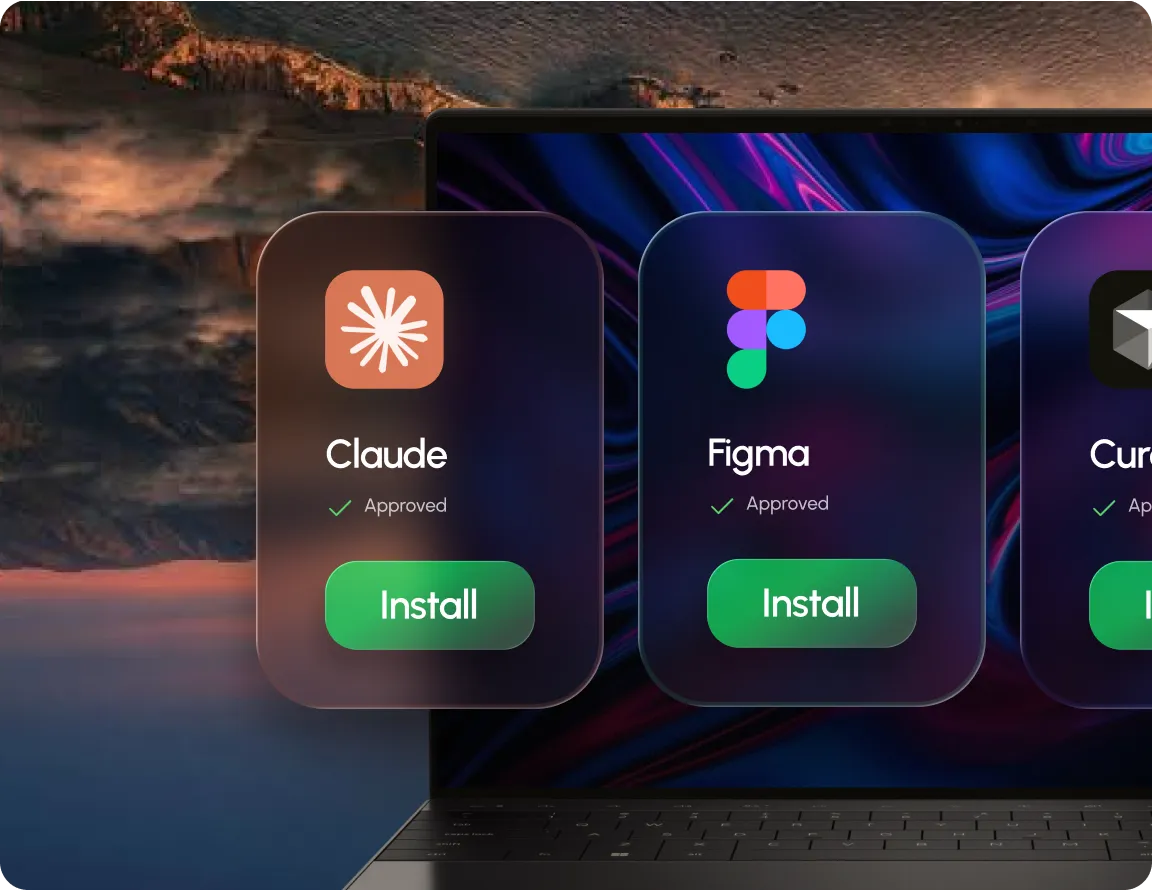
IT approves what's available, employees only see trusted apps.

Employees install approved software without local admin privileges.

Available on Windows, macOS, Linux, iOS & Android.

Install starts and finishes without IT touching the request.
OUTCOMES
Employees self serve approved apps instead of filing requests.
Installs work without granting employees local admin rights.
One portal covers Windows, macOS, Linux, iOS and Android.
BUILT FOR REAL TEAMS




SECURITY, PRIVACY & TRUST
Manage devices & policy, full audit trail included.
Traffic encrypted in transit & at rest, BYOD data separated.

SOC 2, ISO 27001 & HIPAA, dashboards with exportable evidence.
.webp)
“Swif.ai has effectively solved our software deployment and unified device management challenges. Their customer support is equally impressive — issues are resolved quickly and efficiently.”

Hanson Han
Head of Platform Engineering at OpusClip
FAQ
Self Service Software Portal is where employees browse and install apps IT has already approved, without filing a ticket or needing admin rights on their device.
Through the Swif app, logging in with their work email. There's no separate invite, access follows their company domain.
No. Installations run independently of the employee's local permissions, so standard users can install approved apps on their own.
Approve the app list once, let employees install the rest themselves.






.png)