Everything you'd expect modern mobile device management tools to do.

Zero-touch enrollment through Apple Business Manager, Windows Autopilot, Android Enterprise, and silent installers. Every OOB protocol supported.

Every do and don't, enforced effortlessly across the entire device fleet. No gaps. No cracks.

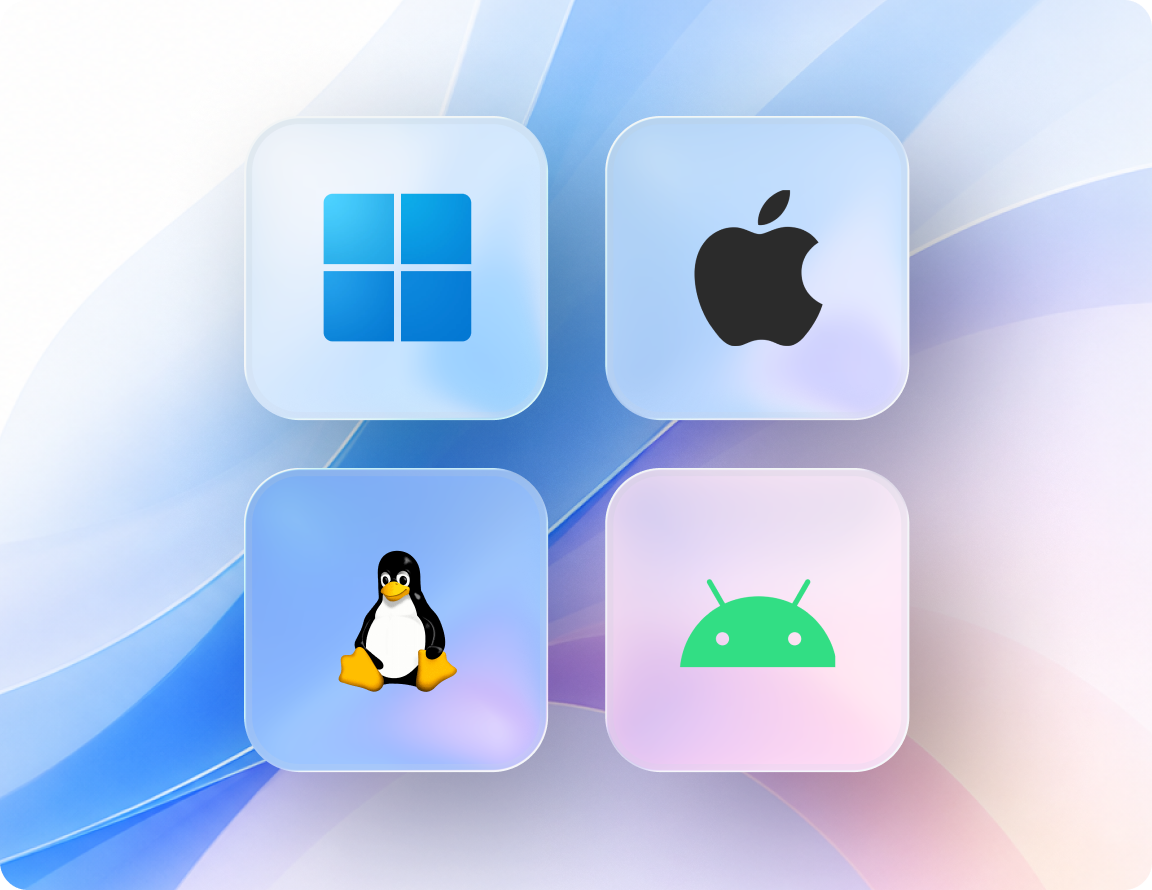
Public, private, and native apps pushed across iOS, Android, macOS, ChromeOS, and Windows — configured, installed, updated, and removed without end-user intervention.

Automated OS and third-party application updates across the fleet. Vulnerabilities closed without manual work from IT.

Detection of unauthorized SaaS, AI tools, and browser extensions via the Swif Browser Extension, with automated blocklist enforcement.

Pre-built control mappings to SOC 2, ISO 27001, HIPAA, NIST, CIS, and NIS 2 — with bidirectional syncing to Vanta, Drata, Thoropass, Sprinto, Comply Jet, and SecureFrame.

Slack, Zoom, Google Workspace, Okta, Microsoft Entra ID, Deel, and the leading compliance platforms — brought in seamlessly.

User identities and access governed through deep integrations with Okta, Microsoft Entra ID, and Google Workspace — contributing to a stronger zero trust posture.


Zero-touch enrollment through Apple Business Manager, Windows Autopilot, Android Enterprise, and silent installers. Every OOB protocol supported.
Every do and don't, enforced effortlessly across the entire device fleet. No gaps. No cracks.
Public, private, and native apps pushed across iOS, Android, macOS, ChromeOS, and Windows — configured, installed, updated, and removed without end-user intervention.
Automated OS and third-party application updates across the fleet. Vulnerabilities closed without manual work from IT.
Detection of unauthorized SaaS, AI tools, and browser extensions via the Swif Browser Extension, with automated blocklist enforcement.
Pre-built control mappings to SOC 2, ISO 27001, HIPAA, NIST, CIS, and NIS 2 — with bidirectional syncing to Vanta, Drata, Thoropass, Sprinto, Comply Jet, and SecureFrame.
Slack, Zoom, Google Workspace, Okta, Microsoft Entra ID, Deel, and the leading compliance platforms — brought in seamlessly.
User identities and access governed through deep integrations with Okta, Microsoft Entra ID, and Google Workspace — contributing to a stronger zero trust posture.
Stay connected, confident, and secure — no matter where your team works.

Lock down your data with unbreakable passcodes.
FileVault on macOS, BitLocker on Windows, full-disk encryption on mobile, with key escrow for recovery.
Gate corporate resources based on real-time device compliance posture. Non-compliant devices get blocked automatically.
Continuous compliance monitoring with automated remediation when devices drift out of policy.
Wipe or lock devices remotely to safeguard corporate data when the unexpected strikes.
Lock in MDM protection on Apple DEP devices.
Block unauthorized sharing between personal and professional apps on BYOD endpoints.
Detailed audit trails on every admin action.
Track SIM swaps, jailbreak/root attempts, and unauthorized policy changes.
Lock devices to a single app or a curated set of apps. Eliminate distractions, guide users toward specific actions, and turn any device into a single-purpose endpoint.

Lock devices to one application for streamlined, distraction-free use — ideal for digital signage, payment terminals, and frontline check-in stations.

Approve a set of apps for the workforce, balancing security and focus to drive productivity without compromise.

Allow or block specific URLs. Lock the browser to a defined set of internal tools or customer-facing pages.
Apply organizational branding to kiosk screens. Disable hardware buttons, screen capture, and unauthorized exit attempts.
Lock devices to one application for streamlined, distraction-free use — ideal for digital signage, payment terminals, and frontline check-in stations.
Approve a set of apps for the workforce, balancing security and focus to drive productivity without compromise.
Allow or block specific URLs. Lock the browser to a defined set of internal tools or customer-facing pages.
Apply organizational branding to kiosk screens. Disable hardware buttons, screen capture, and unauthorized exit attempts.
Schools today rely on a growing mix of tablets, laptops, desktops, and mobile devices. Managing these environments with fragmented tooling leads to inconsistent policies, slow response times, and limited visibility.
Swif.ai delivers MDM solutions for schools that help IT teams:
Take control of your app ecosystem with unmatched precision. Deploy in-house tools, manage app licenses, and keep your devices secure and your teams productive.

Distribute and manage apps for iOS, Android, macOS, ChromeOS, and Windows. Configure, install, update, and remove apps without any end-user intervention.

Curate a suite of private and native apps. Drive app versioning for easy rollout. Apple VPP integration for seamless license management.

An approved application catalog curated by IT — employees install what they need from a vetted library, no tickets required.

Detailed app reports, usage tracking, and license management — no more guesswork on your software estate.
Distribute and manage apps for iOS, Android, macOS, ChromeOS, and Windows. Configure, install, update, and remove apps without any end-user intervention.
Curate a suite of private and native apps. Drive app versioning for easy rollout. Apple VPP integration for seamless license management.
An approved application catalog curated by IT — employees install what they need from a vetted library, no tickets required.
Detailed app reports, usage tracking, and license management — no more guesswork on your software estate.
Heightened device uptime, fewer operational stops. Remotely troubleshoot devices without ever having to touch them.
Secure remote desktop with screen sharing and file transfer, delivered inside the MDM console.
Command-line diagnostics for advanced troubleshooting, with full audit logging and an organization-wide kill switch.
Dynamic device grouping based on attributes, location, or compliance state — so policies and remote actions hit exactly the right endpoints.
Context-aware support tickets enriched with screenshots and screen recordings, pushed directly into integrated ITSM platforms.
Save on inventory costs by enabling fast, secure device sharing between two or more users. Each user gets their own policies and privileges, with zero overlap and no shared passwords.
A unified MDM solution that takes weight off your IT team — one task at a time.

MDM policies that go beyond control and configuration. Automate recurring tasks, schedule periodic compliance checks, and receive alerts the moment something looks off.

Monitor every mobile asset down to the detail — battery, data, storage, apps, OS versions. Filter what matters and park the rest.

Detailed reports on everything your devices are up to, delivered to your inbox in the format you prefer. Real-time alerts for anomalies.

Run PowerShell on Windows and shell scripts on macOS and Linux directly from the MDM console. Automate config drift remediation across the fleet.
MDM policies that go beyond control and configuration. Automate recurring tasks, schedule periodic compliance checks, and receive alerts the moment something looks off.
Monitor every mobile asset down to the detail — battery, data, storage, apps, OS versions. Filter what matters and park the rest.
Detailed reports on everything your devices are up to, delivered to your inbox in the format you prefer. Real-time alerts for anomalies.
Run PowerShell on Windows and shell scripts on macOS and Linux directly from the MDM console. Automate config drift remediation across the fleet.
Push the latest corporate content across endpoints and keep employees, contractors, and customers in the loop at all times.
Manage corporate data separately from personal content on employee-owned mobile devices through work profile separation on Android and managed app configuration on iOS. Wipe corporate data without touching personal photos, messages, or apps. Employees keep their privacy. IT keeps its control.
Your devices, compliant from the first power-up. Your organization, set up for success from the first endpoint.

Define corporate policies once and watch them sync automatically to every enrolled device. Push Wi-Fi, VPN, and certificate configurations the moment a device comes online.

Custom profiles with passcodes, app settings, and restrictions — applied to BYOD and corporate-owned devices alike. Effortless policy enforcement, no manual juggling.

Every device control mapped back to SOC 2, ISO 27001, HIPAA, NIST, CIS, or NIS 2. Audit-ready evidence generated continuously rather than reconstructed before audit.

Native integrations with Vanta, Drata, Thoropass, Sprinto, Delve, Comply Jet, and SecureFrame — so device compliance posture flows directly into your audit platform.
Define corporate policies once and watch them sync automatically to every enrolled device. Push Wi-Fi, VPN, and certificate configurations the moment a device comes online.
Custom profiles with passcodes, app settings, and restrictions — applied to BYOD and corporate-owned devices alike. Effortless policy enforcement, no manual juggling.
Every device control mapped back to SOC 2, ISO 27001, HIPAA, NIST, CIS, or NIS 2. Audit-ready evidence generated continuously rather than reconstructed before audit.
Native integrations with Vanta, Drata, Thoropass, Sprinto, Delve, Comply Jet, and SecureFrame — so device compliance posture flows directly into your audit platform.
Swif.ai meets the highest security and privacy standards — AICPA SOC 2 attestation, ISO 27001, HIPAA, GDPR readiness, and NIS 2 alignment. Designed for regulated industries, the platform safeguards sensitive corporate data while keeping your devices compliant.
EU data residency through the app.eu.swif.ai environment — an architecturally separate platform for organizations operating under European data protection requirements or internal data sovereignty policies.
Mobile device management solutions are not one-size-fits-all. Swif.ai's MDM platform flexes around the operational realities of each industry it serves.





No setup fees. Complimentary customer support. A premium MDM solution that adapts to your business and scales as you grow. Free for up to 5 employees. 14-day full-feature trial. EU data residency available for regulated deployments.
Explore pricing plans
Consolidate your mobile device management stack into one unified MDM platform.
Page last updated: May 6, 2026
Consolidate your mobile device management stack into one unified MDM platform.
AICPA SOC 2 Attested
ISO 27001
HIPAA
GDPR Ready
EU Data Residency Available






.png)


.png)