_HighPerformer_HighPerformer%201.png)

_MomentumLeader_Leader%202.png)


SOC 2 Attested • GDPR • EU Data Residency • Free for 5
MCP CONNECTOR SETUP
1
In Swif, go to Settings > API Token and generate an API key for your organization.
3
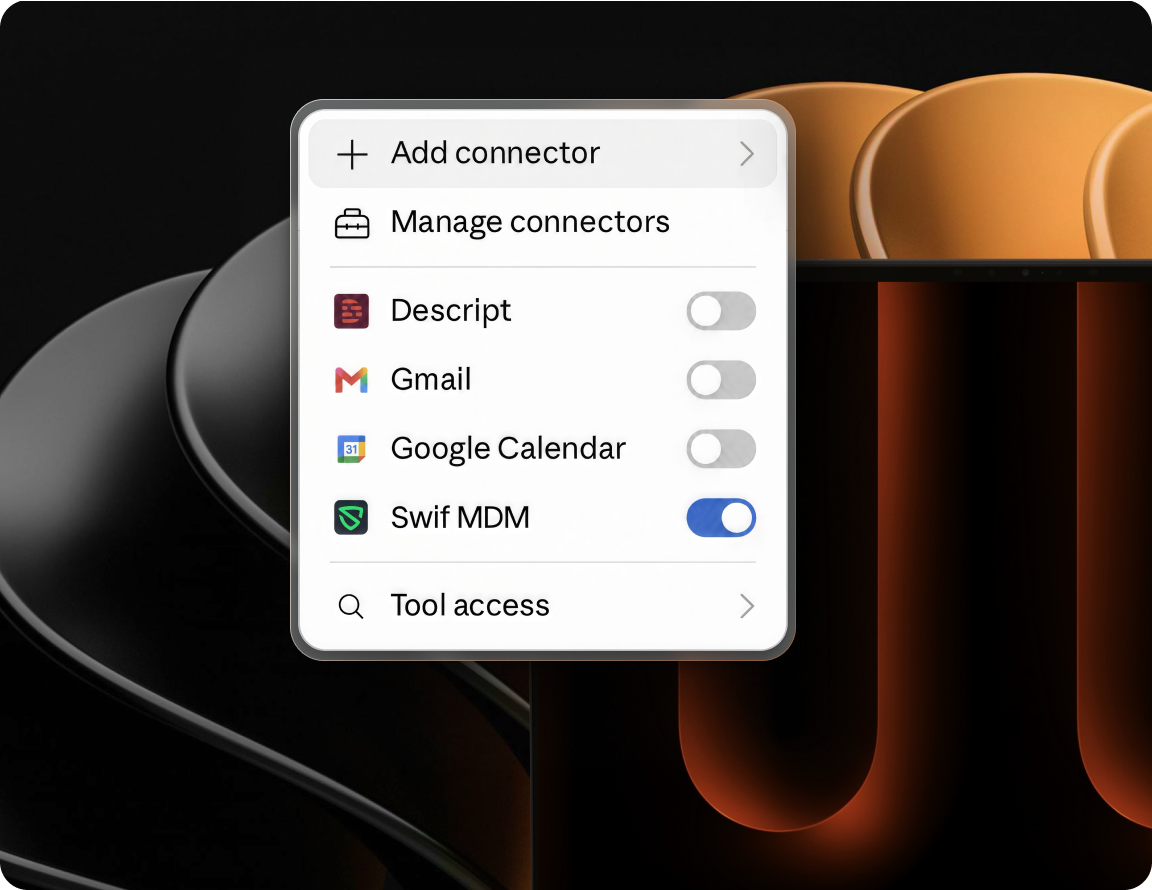
ChatGPT or Claude opens a Swif-hosted page titled Connect Your Swif Account.
Enter your Swif API key in the masked field. The key is submitted only to Swif and is never sent to OpenAI or Anthropic.
4
Review the consent screen and approve the read-only connection.

CORE CAPABILITIES

Ask questions in plain language to find managed devices and review their current information.

See which applications are installed on a specific device without manually searching through its inventory.

Find unencrypted devices, outdated operating systems, or, inactive devices.

Find employee information when investigating device ownership or assignments.
OUTCOMES
Replace repetitive inventory searches and one-off reports.
Quickly surface unencrypted, outdated, or inactive devices.
Get device and employee information through natural-language questions.
BUILT FOR REAL TEAMS




SECURITY, PRIVACY & TRUST

The Swif MCP Connector can retrieve supported information but cannot change a device, employee, or policy.

Your API key is stored encrypted on Swif infrastructure and used only to access your Swif organization.

Your API key is never shown to ChatGPT or Claude and is never sent to OpenAI or Anthropic.
.png)
“Swif.ai has effectively solved our software deployment and unified device management challenges. Their customer support is equally impressive — issues are resolved quickly and efficiently.”

Hanson Han
Head of Platform Engineering at OpusClip
FAQ
The Swif MCP Connector allows ChatGPT and Claude to retrieve supported information from your Swif workspace, including devices, device applications, browser extensions, and employees.
ChatGPT and Claude communicate with the same Swif MCP service. Add Swif as a custom connector using your regional URL, authenticate on a Swif-hosted page, and approve read-only access.
You need a Swif organization API key, the MCP endpoint for your Swif region, and a ChatGPT or Claude plan that supports custom connectors.
No. Your key is submitted only to Swif through the Swif-hosted connection page. It is stored encrypted on Swif infrastructure and is never shown to ChatGPT or Claude.
Spend less time searching through your workspace and more time completing the work that keeps your organization secure.






.png)