_HighPerformer_HighPerformer%201.webp)

_MomentumLeader_Leader%202.webp)


SOC 2 Attested • GDPR • EU Data Residency • Free for 5
CORE CAPABILITIES

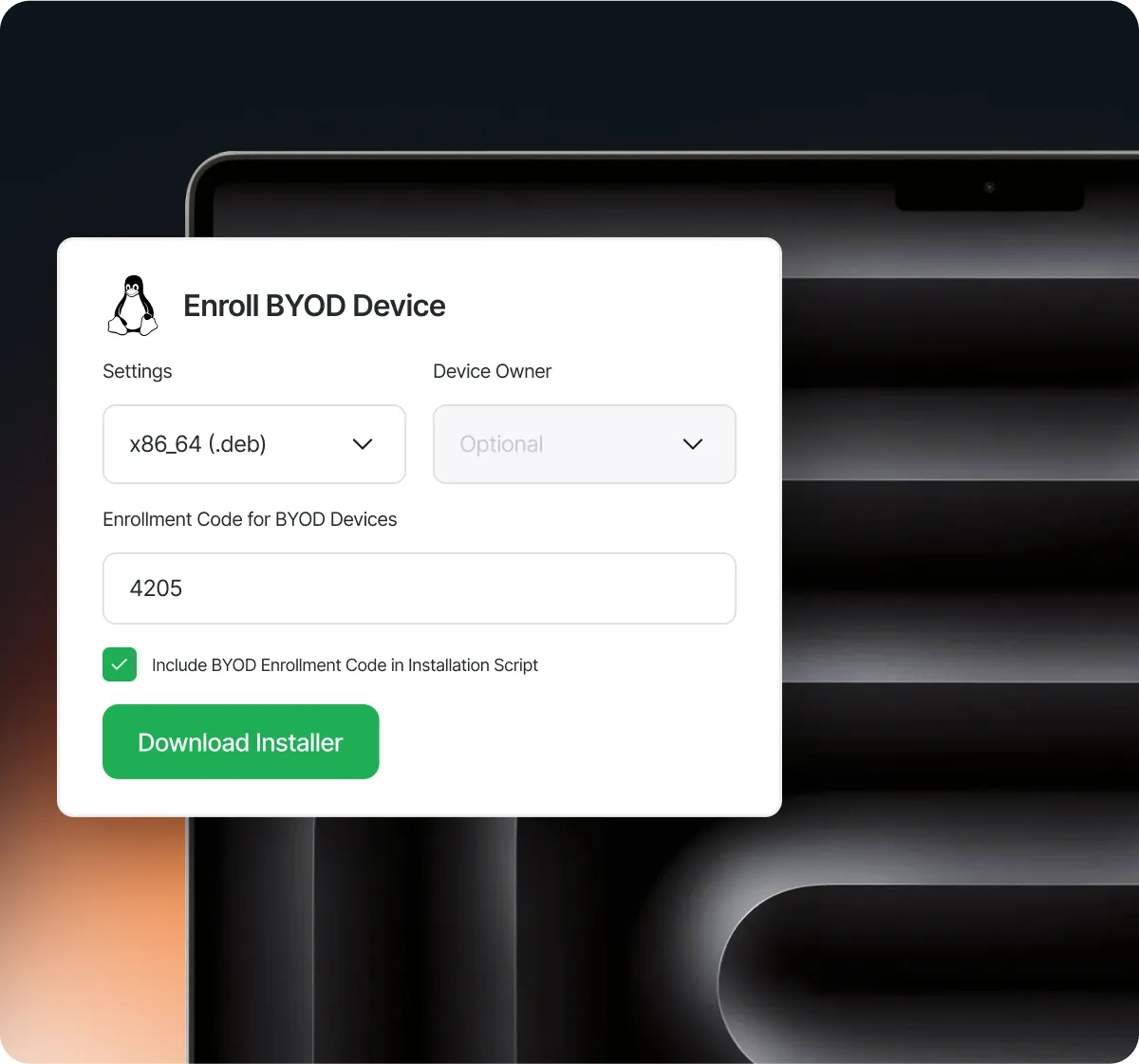
Enroll devices through Android Enterprise using QR codes for work profile, fully managed, and dedicated-device deployments.

View device ownership, user assignments, OS versions, security posture, installed applications, and recent activity from one console.

Continuously assess Android security posture and surface device compliance information through Swif’s centralized dashboards.

Lock, wipe, reboot, or perform other supported commands on enrolled Android devices when security or operational issues arise.

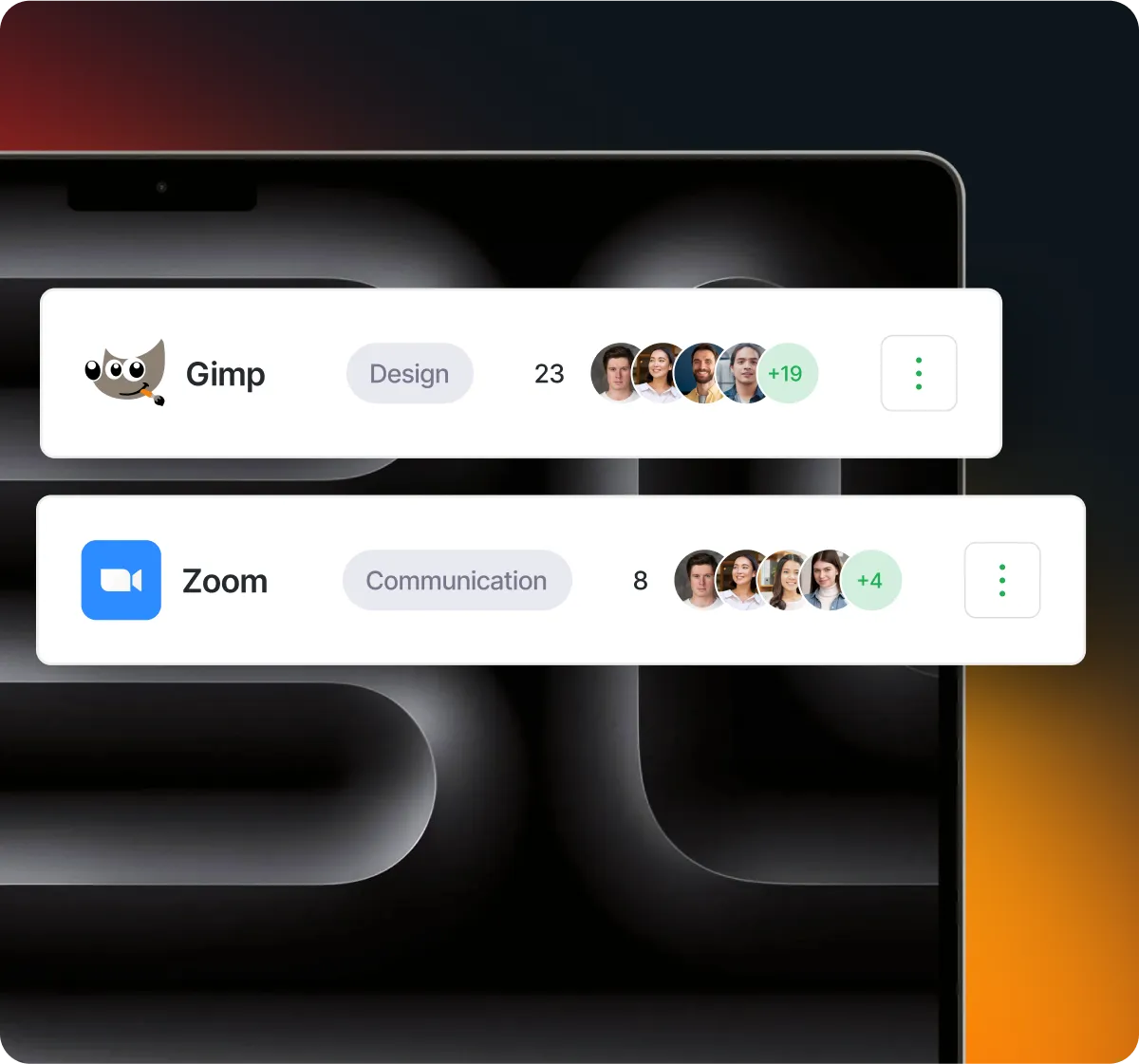
Approve and distribute work applications, control access to managed Google Play, and remove applications that are no longer required.

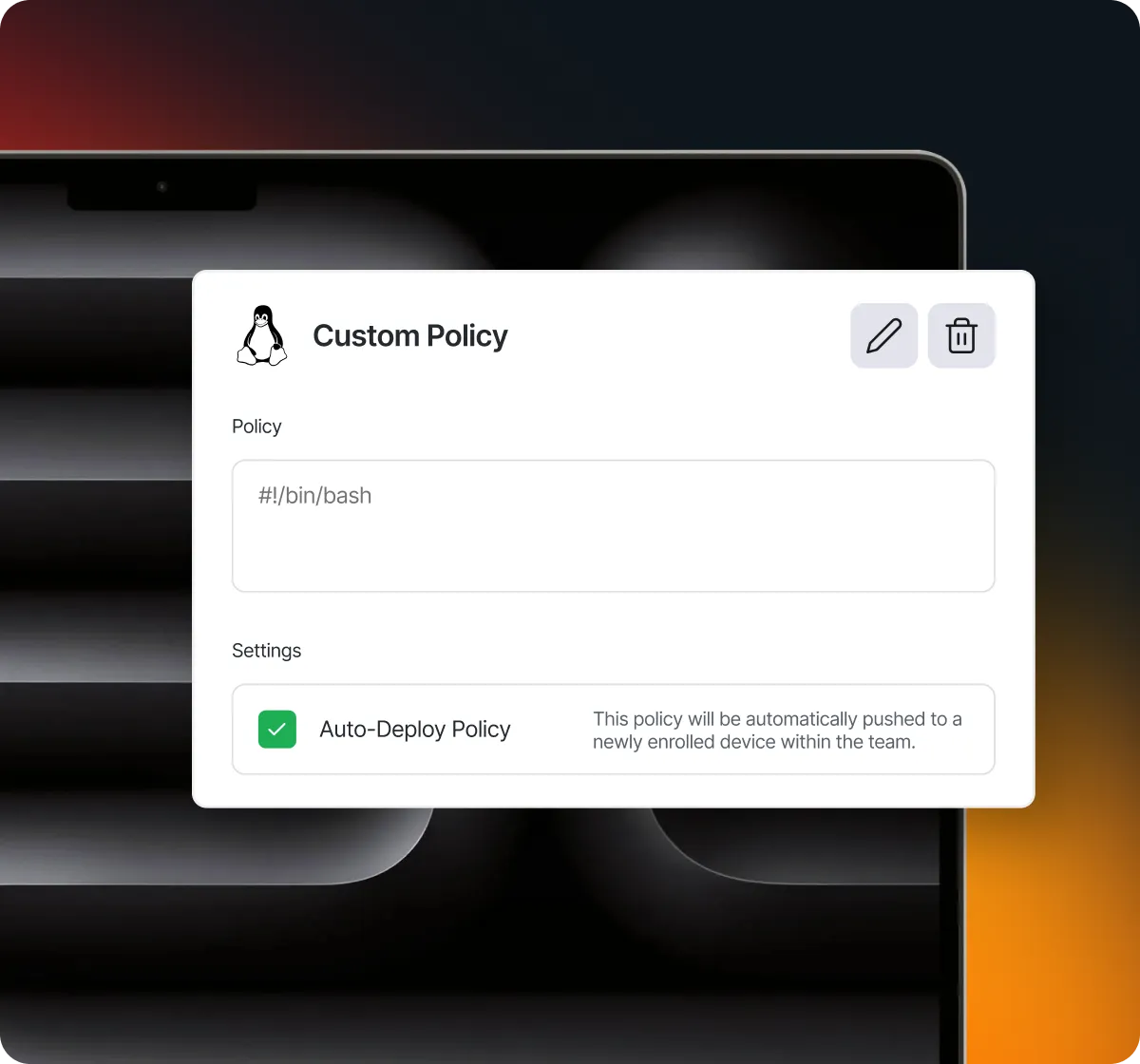
Enforce supported requirements for passcodes, encryption, screen locks, applications, device features, and other Android security settings.
OUTCOMES
Enroll and configure Android devices without setting up each device manually.
Protect organizational apps and data while maintaining separation from an employee’s personal profile.
Manage Android alongside the rest of your endpoint fleet from one platform.
BUILT FOR REAL TEAMS




INTEGRATIONS

Android Enterprise

Google Workspace

Microsoft Entra ID

Okta

Vanta

Drata

Sprinto

Slack

Deel

Workbrew
SECURITY, PRIVACY & TRUST

Limit who can manage devices & access telemetry, with a full audit trail.

BYOD data separation; encrypted in transit and at rest.
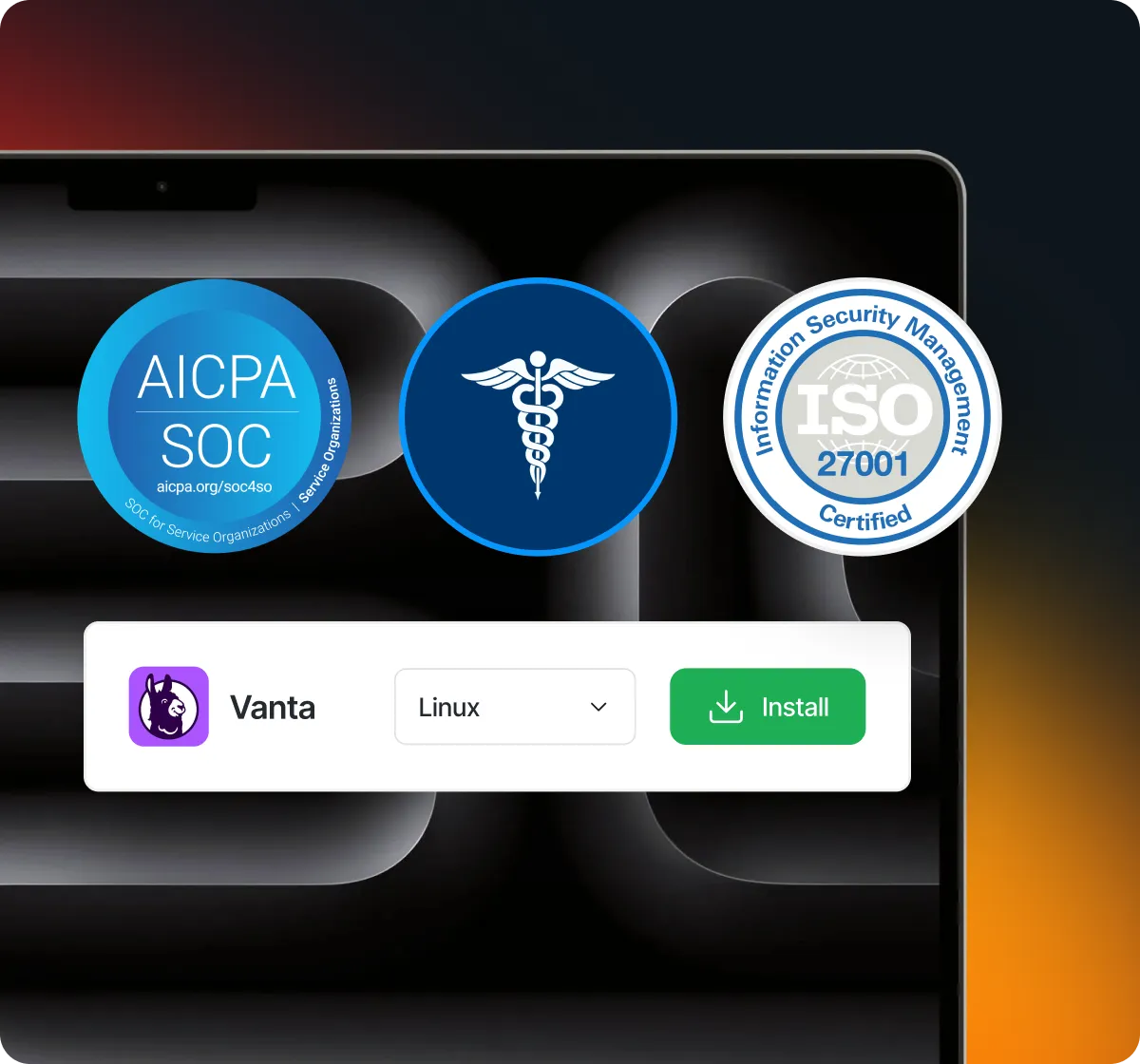
SOC 2, ISO 27001 & HIPAA via automated dashboards and evidence.
.webp)
“SWIF's strengths are its focus on the device's full lifecycle, its broader support for Windows and Mac devices, and its elimination of old-school management tools and techniques.”

Jonathan Linczak
Director of Product Management
FAQ
Android mobile device management allows organizations to enroll, configure, secure, and monitor Android devices remotely. Swif uses Android Enterprise to support company-owned devices, employee-owned devices, and dedicated-device deployments.
Admins or employees enroll via Android Enterprise using a QR code; policies, apps and restrictions apply instantly.
No. It's built on Google's free Android Enterprise platform and included in your Swif plan.
Yes — Android is managed alongside Mac, Windows and Linux from the same dashboard.
Encryption, passcode enforcement, remote lock/wipe and continuous compliance monitoring.
Yes. Organizations can use an Android Enterprise work profile to manage company applications and data while keeping the employee’s personal profile separate.
Give IT one platform to enroll Android devices, enforce security policies, distribute applications, monitor compliance, and respond when a device is at risk.



A complete, secure linux mdm solution built to simplify control, boost compliance, and scale across all major Linux distributions.







.png)