Organizations rely on Windows devices across global teams. Without centralized control, IT struggles with long onboarding, inconsistent security, and limited compliance visibility.
Swif.ai solves this by combining Windows device management (MDM), policy enforcement, and software management into one platform built to support your MDM software strategy at scale.

Swif.ai enforces BitLocker at scale and escrows recovery keys for simple, audit-ready encryption across your MDM software rollout.
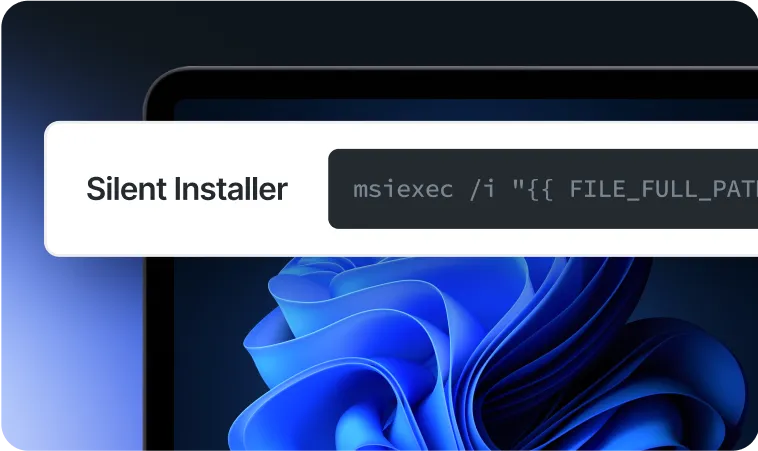
With Windows Autopilot, new devices configure automatically on first boot. The silent installer makes migrations from other MDMs smooth.
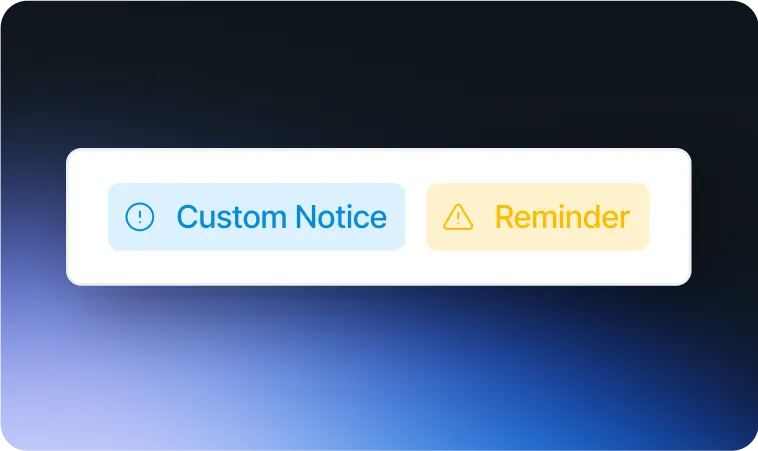
Display compliance notices or reminders directly at the Windows sign-in screen. This keeps users aligned with corporate security policies.
Users sign in to Windows with Okta, Azure AD, or Google Workspace accounts. This strengthens security and simplifies user account management.
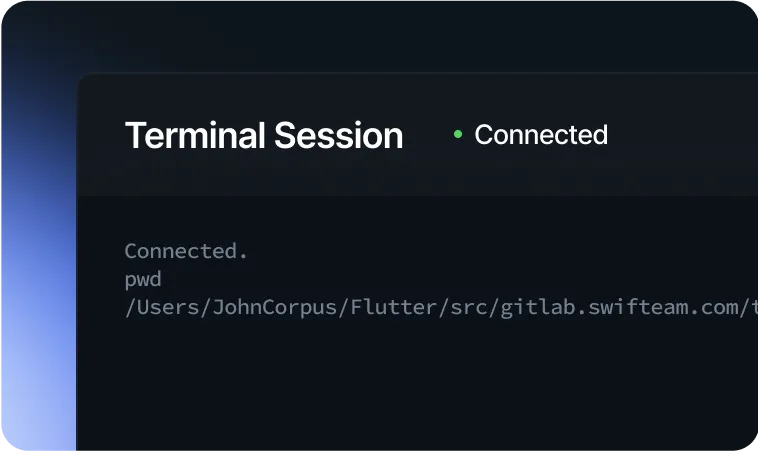
IT teams support users with screen sharing and command-line troubleshooting. Remote access can be disabled across all devices to protect privacy while keeping your MDM software controls consistent.
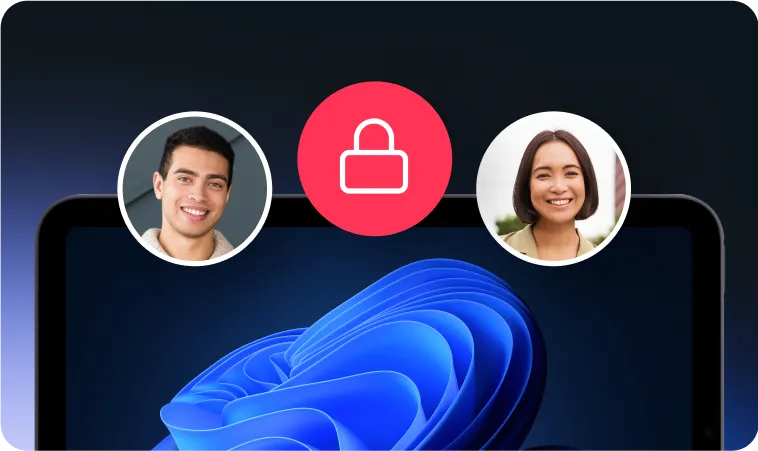
In shared setups, user data is cleared automatically after logout, keeping devices safe for the next user.

Swif.ai supports silent installers, Windows Autopilot, and BYOD flows. Company devices configure automatically; personal devices receive only the required work policies.

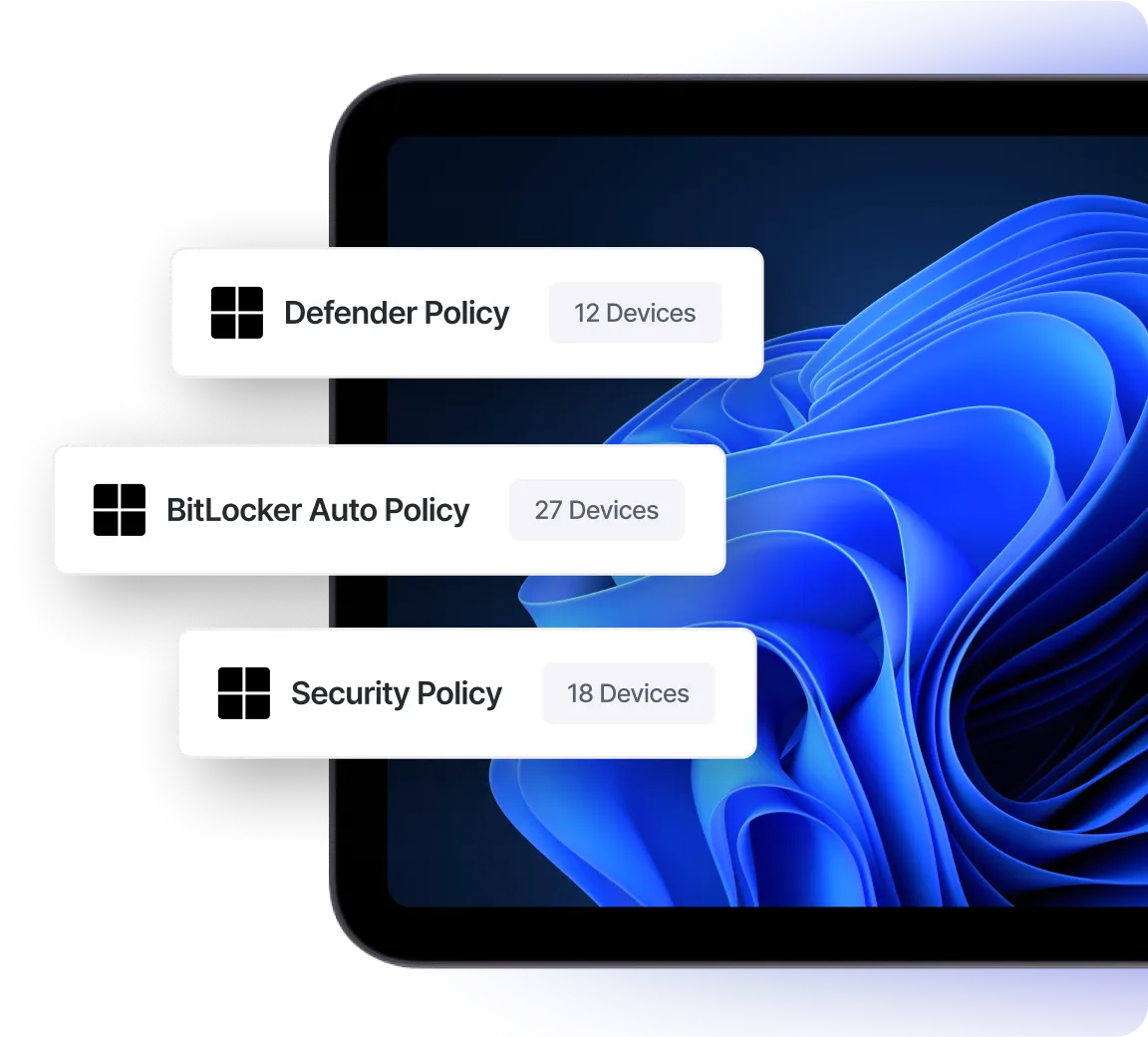
IT can enforce password rules, BitLocker, RADIUS Wi-Fi, and firewall settings. Dashboards track compliance and generate audit-ready evidence, strengthening your MDM software posture across Windows.

Push required apps or let users install from the Swif.ai App Store. This flexibility makes Windows mobile device management software easy for both IT and end users.

Browser extensions for Chrome and Edge reveal unsanctioned SaaS and AI app use. This adds visibility that complements your Windows MDM software controls, helping you manage risk and guide users back to approved tools.

See detailed hardware and software info, lock or wipe devices, or schedule commands. Geofence triggers ensure location-aware security, a practical example of device control windows.
Swif.ai strengthens Windows device management with policy enforcement at scale. IT can enforce strong passwords, BitLocker with key escrow, RADIUS Wi-Fi/VPN, and firewall settings. Dashboards provide real-time visibility, keeping your MDM software controls measurable and audit-ready.

IT can enforce password complexity, screen lock rules, and firewall settings across every Windows device. These controls keep fleets aligned with security baselines.
Swif.ai monitors BitLocker encryption posture, secures recovery keys, and configures Wi-Fi/VPN access through RADIUS certificates. This makes device control windows measurable and audit-friendly.
Autopilot and silent installers cut device setup time from hours to minutes. Employees start working immediately.

Migrate devices in phases using the silent installer. Policies and apps apply consistently without downtime.

CIS checks and integrations with Vanta, Drata, Sprinto, Thoropass, and Comp AI automate evidence collection, reducing audit fatigue.

With Shared Windows Mode, data is cleaned automatically between sessions, protecting teams using rotating devices.
Windows MDM software is a mobile device management solution that allows IT administrators to centrally manage, secure, and configure Windows laptops, desktops, and tablets. It provides device enrollment, security policy enforcement, BitLocker encryption, identity-based authentication, application management, and Windows remote management to keep both company-owned and bring-your-own-device (BYOD) endpoints protected and compliant.
Swif.ai Windows MDM software goes beyond standard capabilities by combining Windows device management with Shadow IT visibility and compliance automation in one lightweight platform. By choosing Swif.ai, organizations such as enterprises, tech startups, FinTech, HealthTech, MSPs, MSSPs, vCISOs, and AI or ML research labs achieve faster onboarding, stronger security, and reduced IT overhead compared to traditional Windows MDM tools.
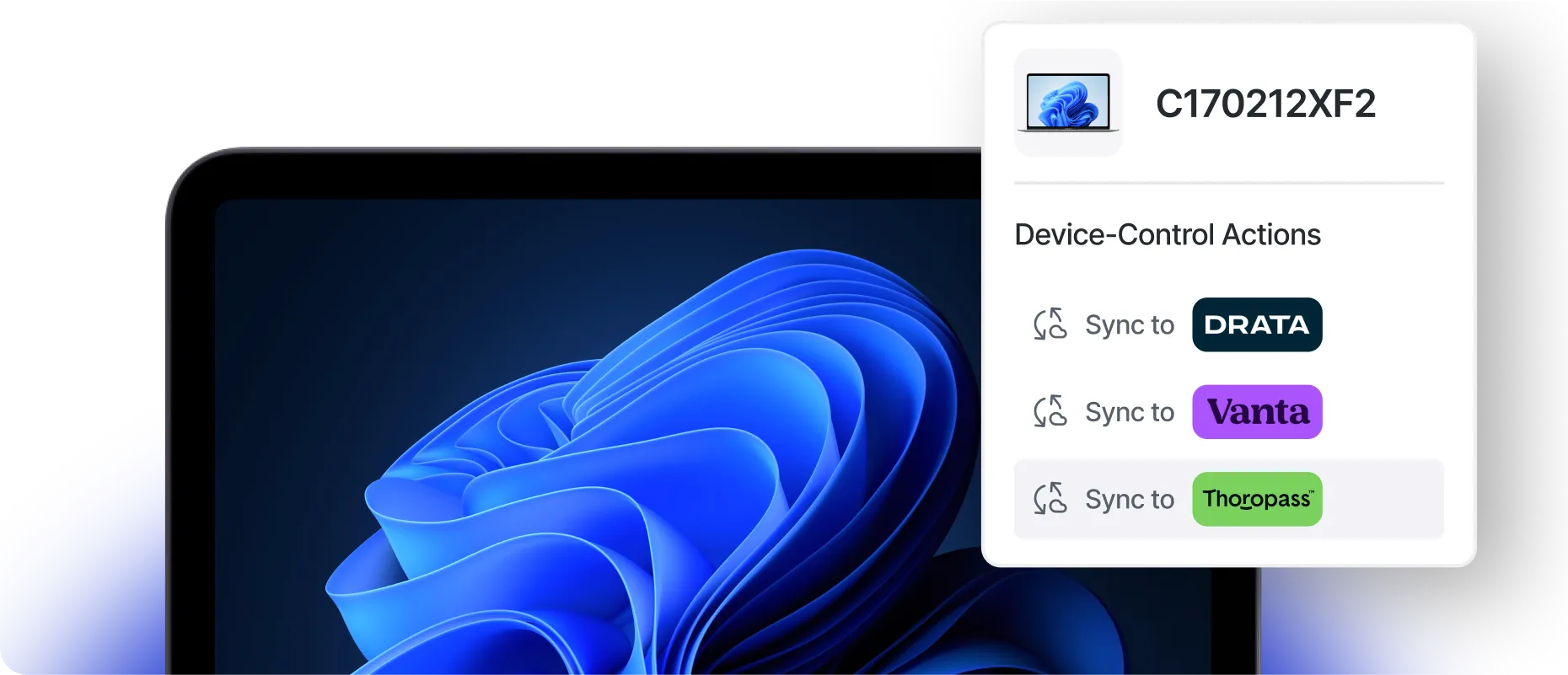
Swif.ai automates compliance for Windows fleets with CIS and NIST checks and live dashboards. Evidence syncs to Vanta, Drata, Sprinto, Thoropass, and Comp AI, keeping every Windows MDM solution audit-ready while reducing manual work and building regulator trust.
Posture checks aligned with CIS standards give IT instant visibility into risks. Dashboards highlight issues before they become audit findings.
Swif.ai syncs Windows device compliance data into partners like Vanta, Drata, Sprinto, Thoropass, and Comp AI. This streamlines audits and helps your MDM software program stay consistently audit-ready.
Swif.ai works with Okta, Azure AD, and Google to enforce identity-based login (SSO/MFA) directly on Windows.
Integrations push posture data into compliance platforms like Vanta, Drata, Sprinto, Thoropass, and Comp AI. This keeps enterprises audit-ready, a key buying factor for the best Windows MDM evaluations.








.webp)



It is a cloud platform for Windows device management, combining enrollment, security, compliance, and remote management. Swif.ai makes this seamless with Autopilot, BitLocker escrow, and identity login.
Yes. Swif.ai supports MDM Windows 10 and later. Security and compliance controls apply across laptops and desktops.
Devices can be added via silent installer or Autopilot. BYOD flows apply only to corporate policies, keeping personal data private.
Yes. Swif.ai supports MDM for Windows laptops, with encryption, app self-service, and Windows remote monitoring for remote workforces.
Because it combines Windows-native encryption, Autopilot, identity sign-in, remote tools, and compliance automation in one lightweight platform.
Page last updated: April 7, 2026
Swif.ai is the most complete Windows MDM software for organizations that need secure, scalable Windows device management. With Autopilot, BitLocker, remote tools, Shadow IT visibility, and automated compliance, Swif.ai supports a modern MDM software approach beyond traditional solutions.






.png)


_HighPerformer_HighPerformer%201.png)

_MomentumLeader_Leader%202.png)